logo

products

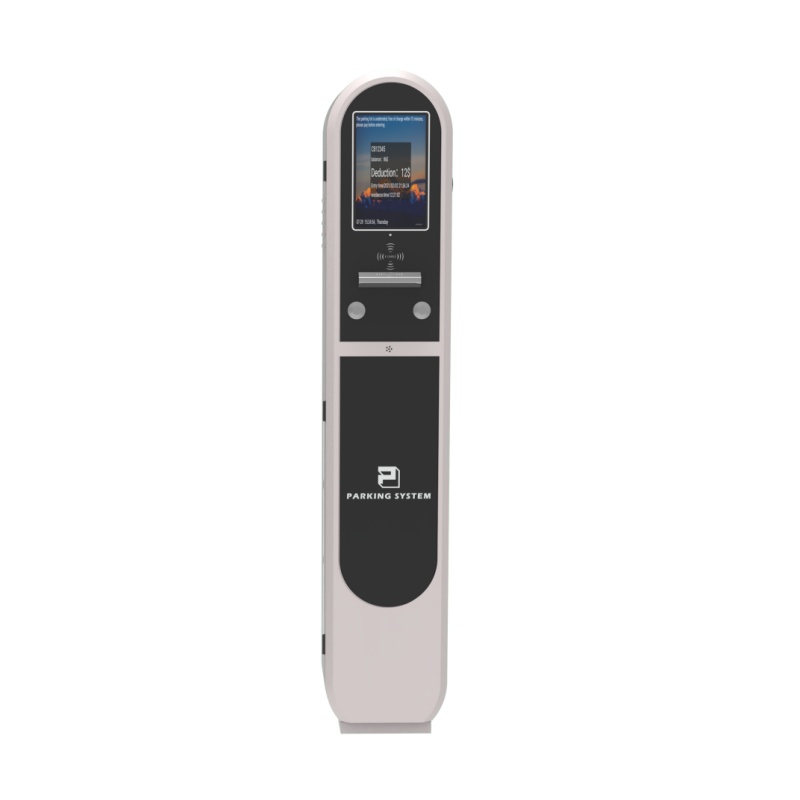
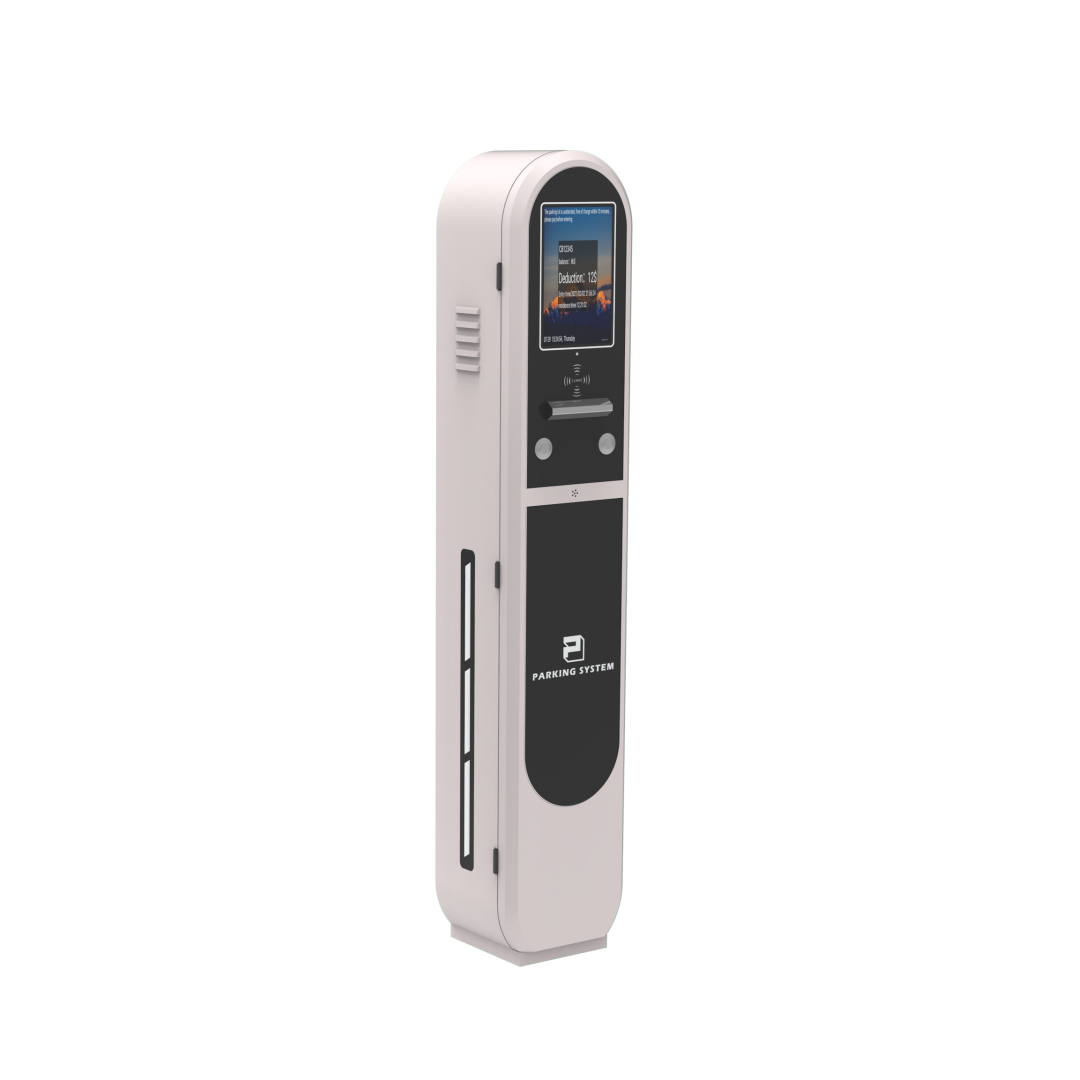
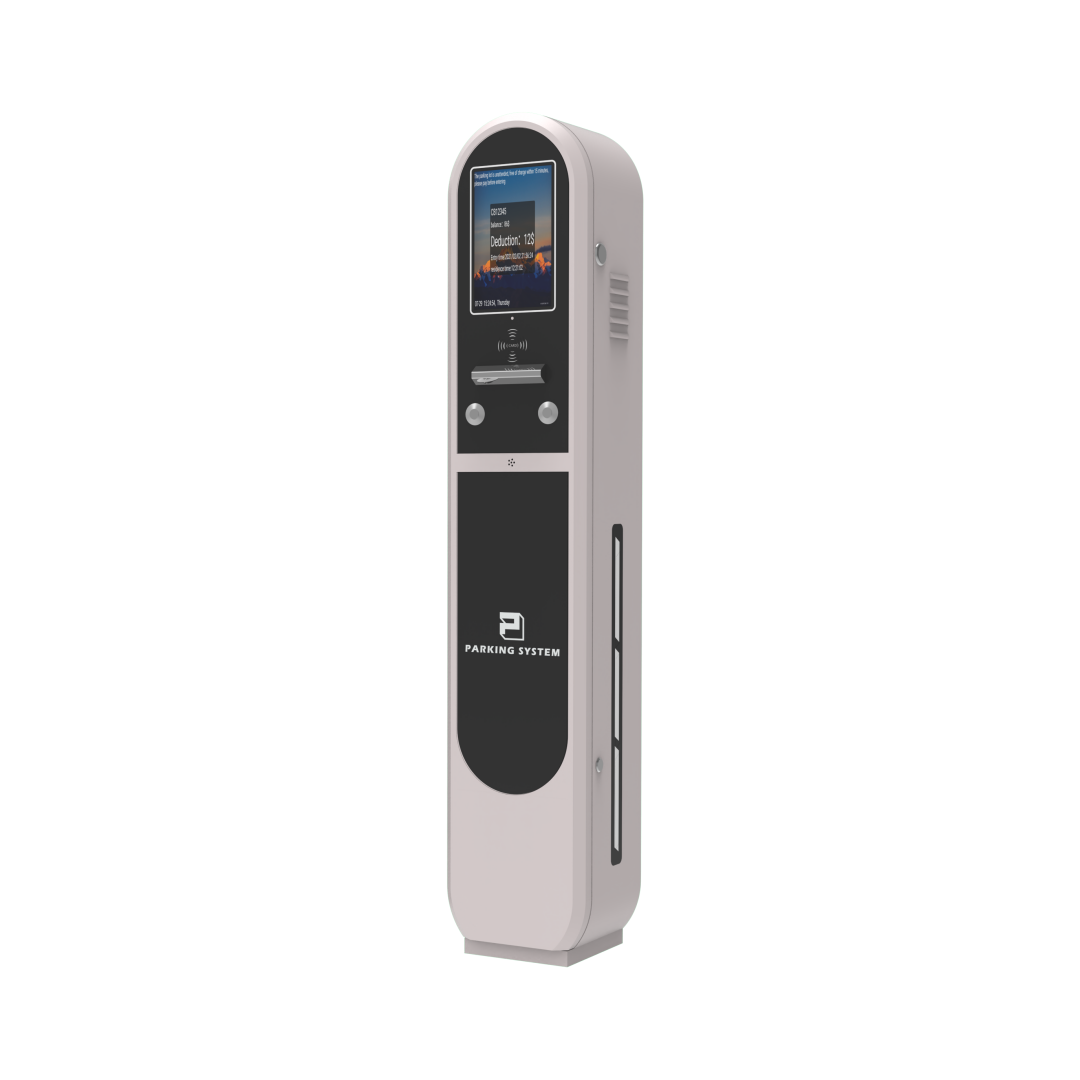
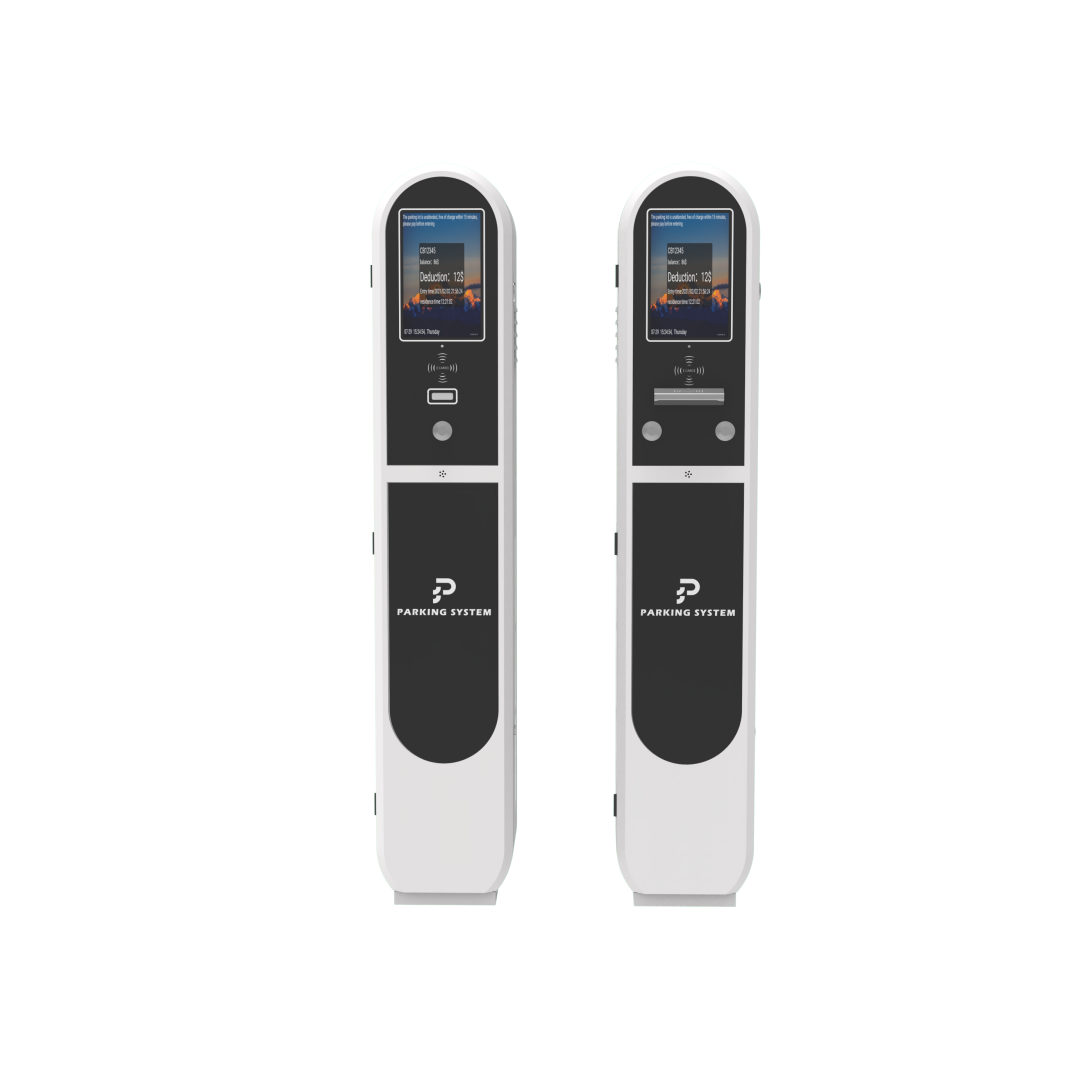
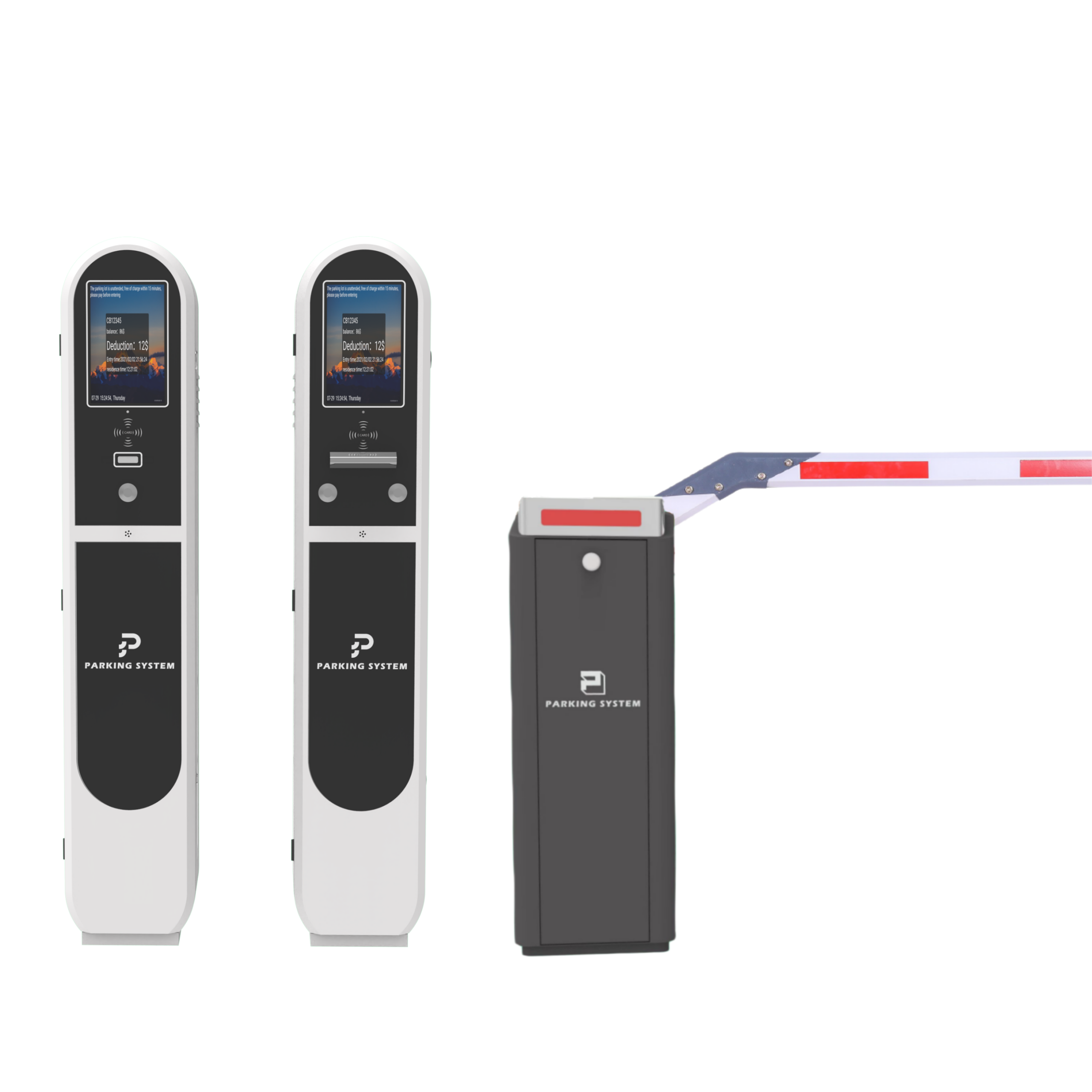
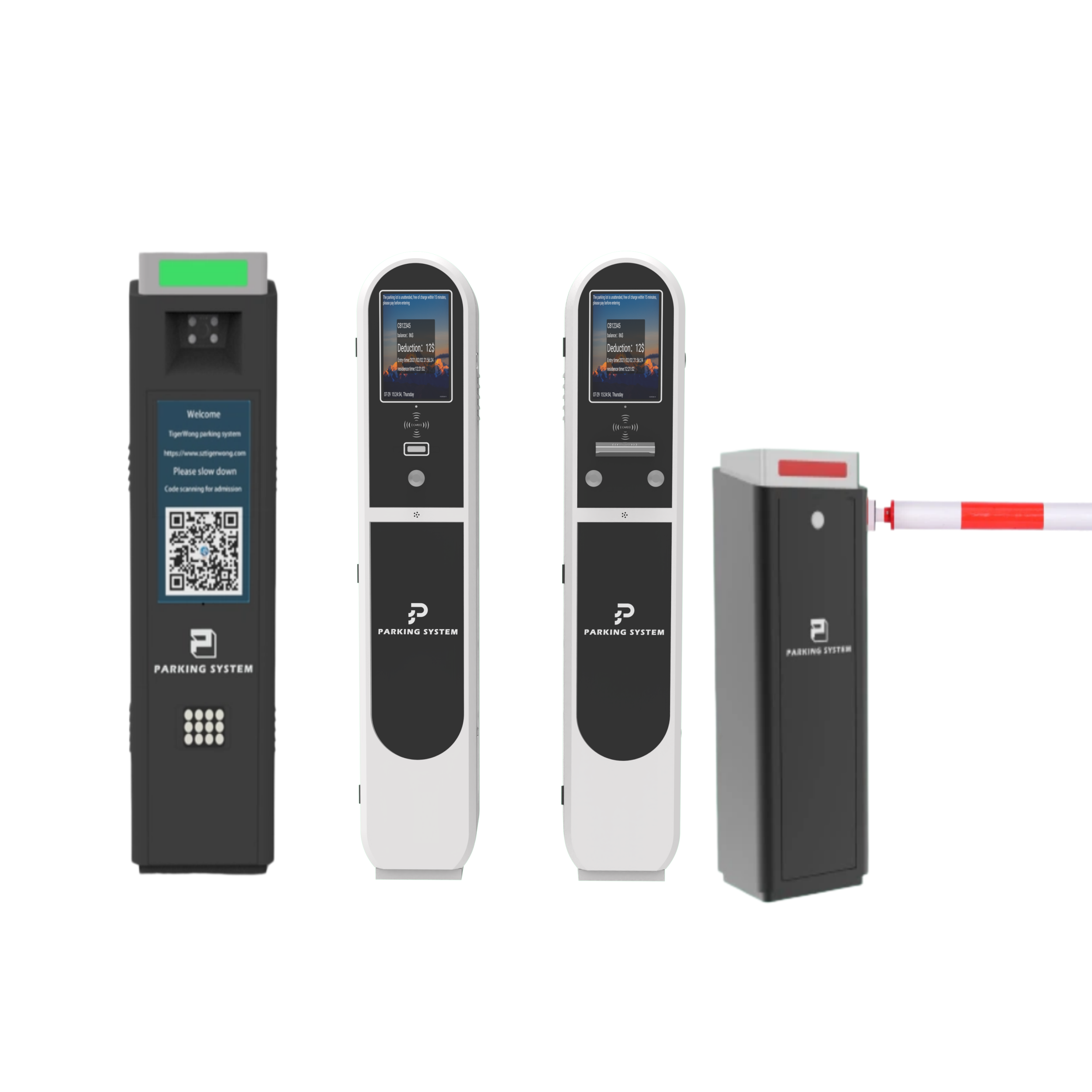
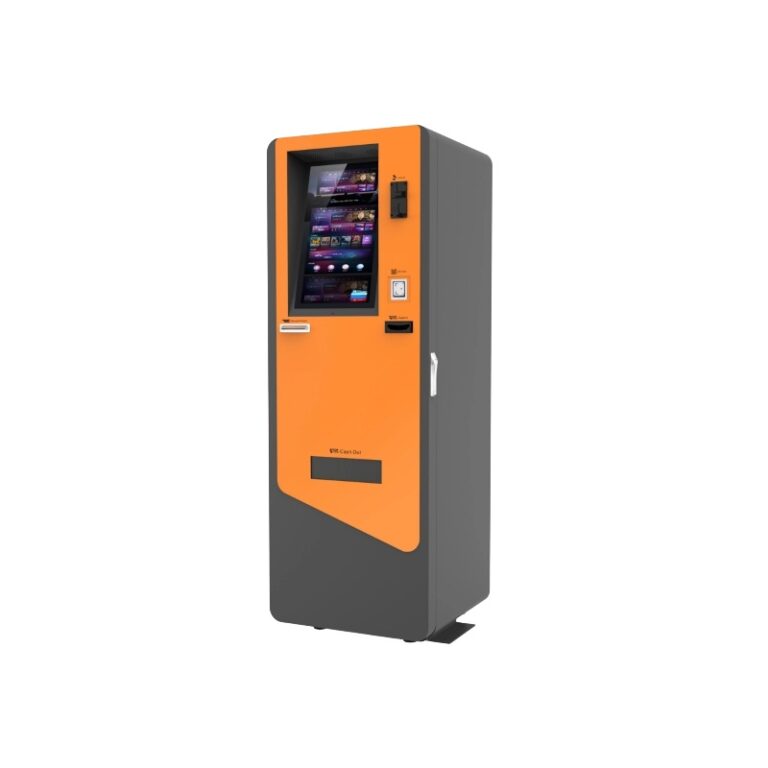
Ticket Parking System – Tiger-TP730E

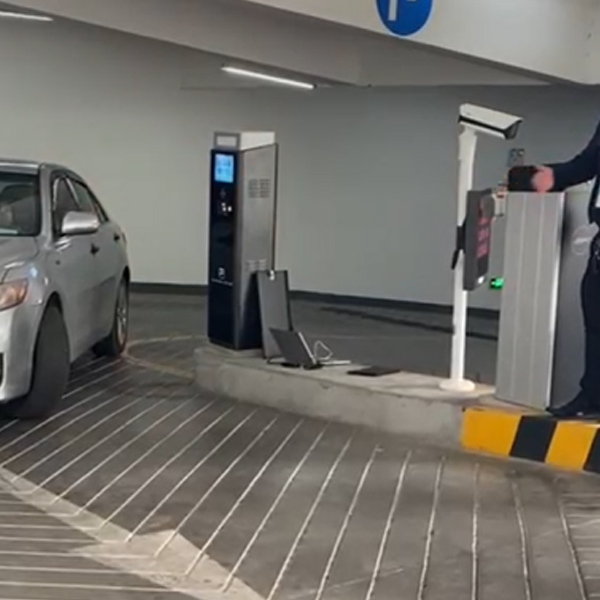
Tiger-TP730E is an intelligent ticket parking system designed for global parking applications. Equipped with a high-definition outdoor display and multi-language support, it ensures clear information display and convenient operation for users worldwide. With voice broadcast, minor language display, and strong adaptability to different regions, it provides an efficient, user-friendly, and professional parking management experience for malls, airports, hospitals, commercial buildings, and public parking facilities.

New Products

ANPR/ALPR Parking System – TGW-LDV4
Access Control - TGW-Q340
ANPR/ALPR Parking - TGW-LIV0
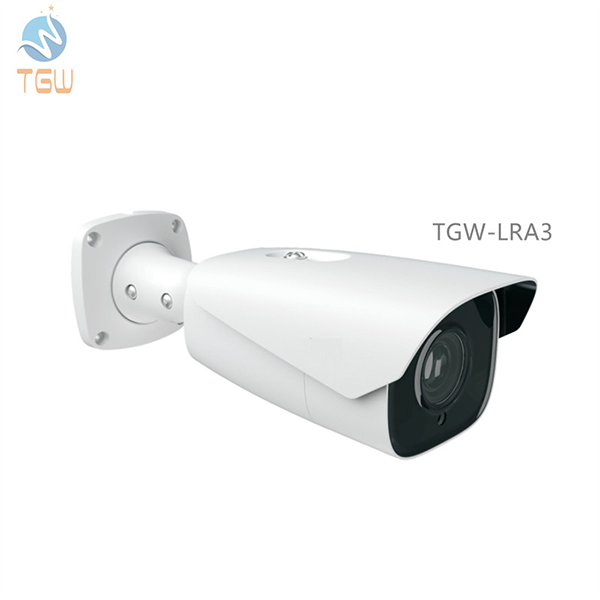
Automatic Number Plate Recognition System Hardware ParkingCamera - TGW-LRA3
Tiger-TP730X正面
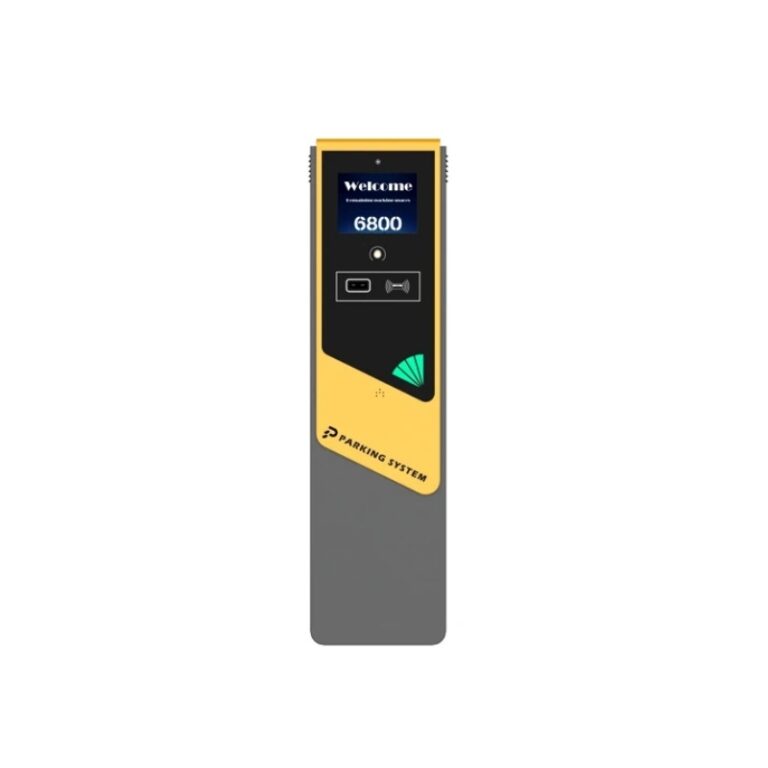
Ticket Parking System - Tiger-TP730X
Tiger-730E
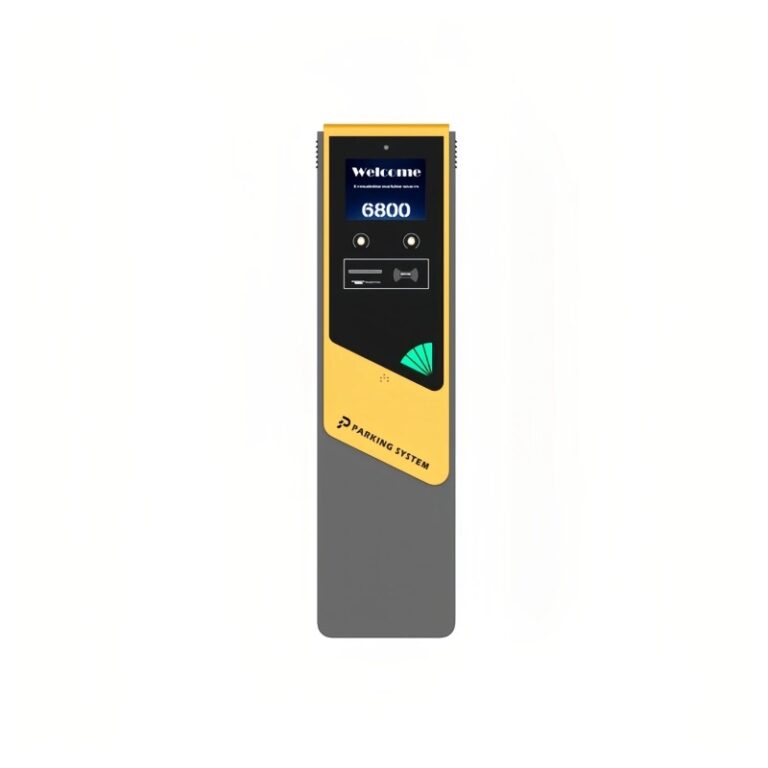
Ticket Parking System - Tiger-TP730E
LST008-1
Turnstile Gate for Kindergarten - TGW-LST008
HC-LST022-1
Turnstile Gate for Kindergarten- TGW-HC-LST022
Product Model Tiger-TP730E
Product Color Gray,support customization
Cabinet Material Iron plate metal 2.0
Dimension 250mm*216mm*1340mm
Network RJ45,100M
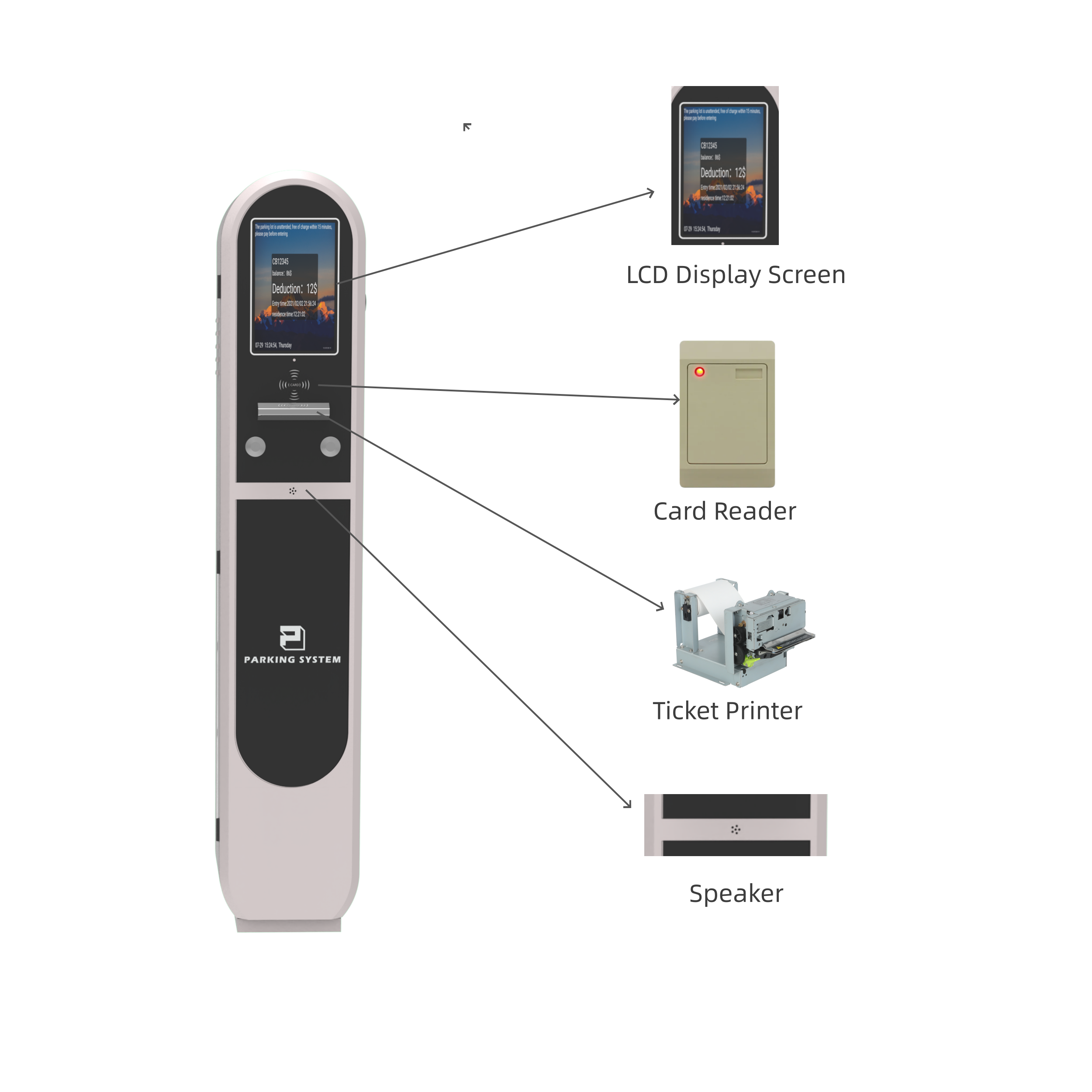
Display Screen  LCD display
Display Size 10.1inch
Card Reader Interface RS232/USB
QR Code Reader Support
Intercom Support
Card Reader Support
Communication Interface TCP/IP
Rated Voltage 220 V /110V±10%
Working Temperature -25℃~70℃
Working Humidity 10%~85% RH
Power Consumption ≤80W
Weight(kgs) 30kg

  1. Supports multi-language display, including English, Spanish, Korean, Japanese, Arabic, and more, meeting global application needs
  2. Supports voice broadcast for clearer and more efficient information delivery
  3. Equipped with a high-definition, high-brightness outdoor display screen, ensuring clear visibility even under strong sunlight
  4. Supports minor language display, providing better adaptability for different regional users and enhancing international user experience

  1. Vehicle entry: The vehicle enters the parking lot and trigger the ground sensor coil.
  2. Ticket collection/card swiping: The driver presses the button to collect the ticket(Temporary User) or swipes the card(Monthly Users), and the ticket dispenser automatically issues the ticket and open the gate.
  3. Information recording: The ticket dispenser records the vehicle’s entry time, license plate number and other information.


1. What charging modes does this ticket dispenser support?

Supports multiple modes such as charging by time, pay-per-view, charging by time period, etc., which can be set according to actual needs.

2. Where can I buy the printing paper for the ticket dispenser?

You can buy matching printing paper from us, or you can buy standard(80*80mm) thermal printing paper on your own.

3. Can the ticket dispenser support multiple languages?

Yes, our ticket dispenser supports multiple languages, such as Spanish, Japanese, Thai, etc. which is convenient for users from different countries and regions.

4. Does the ticket dispenser require regular maintenance?

It is recommended to clean the surface and interior of the ticket dispenser regularly, check the usage of printing paper and ribbon, and replace them in time.

5. How to distinguish different users?

Regular users use card swiping to enter and exit, while temporary users use ticket collection to enter and QR code scanning to exit.

6. Can the appearance and functionality of the ticket dispenser be customized?

Yes, we support customization according to customer needs, such as changing the appearance color, adding a logo, customizing functional modules, etc.

7. What is the warranty period for the ticket dispenser?

We provide one-year product warranty service, and we will repair or replace faulty parts free of charge during the warranty period.

8. Is the installation of the ticket dispensercomplicated?

It’s not complicated, we provide detailed installation instructions and video tutorials, you can also contact our technicians for guidance.

9. What content can the ticket dispenserprint?

The ticket dispenser supports printing parking lot name, entry time, license plate number, charging standards, QR code and other information.

10. Can a regularuser bring multiple cars in and out?

Generally not supported, unless the property management opens the “one card multiple cars” permission, otherwise it will be charged as a temporary car.

11. I lost my temporary ticket, but I remember my license plate number. Can I still exitthe parking lot?

Yes, but you need to go to the toll booth to provide your license plate number, and the administrator will check the parking record. After verification, you need to pay the fee and the gate will be opened manually.

Product Parameters
Product Model Tiger-TP730E
Product Color Gray,support customization
Cabinet Material Iron plate metal 2.0
Dimension 250mm*216mm*1340mm
Network RJ45,100M
Display Screen  LCD display
Display Size 10.1inch
Card Reader Interface RS232/USB
QR Code Reader Support
Intercom Support
Card Reader Support
Communication Interface TCP/IP
Rated Voltage 220 V /110V±10%
Working Temperature -25℃~70℃
Working Humidity 10%~85% RH
Power Consumption ≤80W
Weight(kgs) 30kg

Features
  1. Supports multi-language display, including English, Spanish, Korean, Japanese, Arabic, and more, meeting global application needs
  2. Supports voice broadcast for clearer and more efficient information delivery
  3. Equipped with a high-definition, high-brightness outdoor display screen, ensuring clear visibility even under strong sunlight
  4. Supports minor language display, providing better adaptability for different regional users and enhancing international user experience

working process
  1. Vehicle entry: The vehicle enters the parking lot and trigger the ground sensor coil.
  2. Ticket collection/card swiping: The driver presses the button to collect the ticket(Temporary User) or swipes the card(Monthly Users), and the ticket dispenser automatically issues the ticket and open the gate.
  3. Information recording: The ticket dispenser records the vehicle’s entry time, license plate number and other information.

FAQ


1. What charging modes does this ticket dispenser support?

Supports multiple modes such as charging by time, pay-per-view, charging by time period, etc., which can be set according to actual needs.

2. Where can I buy the printing paper for the ticket dispenser?

You can buy matching printing paper from us, or you can buy standard(80*80mm) thermal printing paper on your own.

3. Can the ticket dispenser support multiple languages?

Yes, our ticket dispenser supports multiple languages, such as Spanish, Japanese, Thai, etc. which is convenient for users from different countries and regions.

4. Does the ticket dispenser require regular maintenance?

It is recommended to clean the surface and interior of the ticket dispenser regularly, check the usage of printing paper and ribbon, and replace them in time.

5. How to distinguish different users?

Regular users use card swiping to enter and exit, while temporary users use ticket collection to enter and QR code scanning to exit.

6. Can the appearance and functionality of the ticket dispenser be customized?

Yes, we support customization according to customer needs, such as changing the appearance color, adding a logo, customizing functional modules, etc.

7. What is the warranty period for the ticket dispenser?

We provide one-year product warranty service, and we will repair or replace faulty parts free of charge during the warranty period.

8. Is the installation of the ticket dispensercomplicated?

It’s not complicated, we provide detailed installation instructions and video tutorials, you can also contact our technicians for guidance.

9. What content can the ticket dispenserprint?

The ticket dispenser supports printing parking lot name, entry time, license plate number, charging standards, QR code and other information.

10. Can a regularuser bring multiple cars in and out?

Generally not supported, unless the property management opens the “one card multiple cars” permission, otherwise it will be charged as a temporary car.

11. I lost my temporary ticket, but I remember my license plate number. Can I still exitthe parking lot?

Yes, but you need to go to the toll booth to provide your license plate number, and the administrator will check the parking record. After verification, you need to pay the fee and the gate will be opened manually.

Download
Site case picture
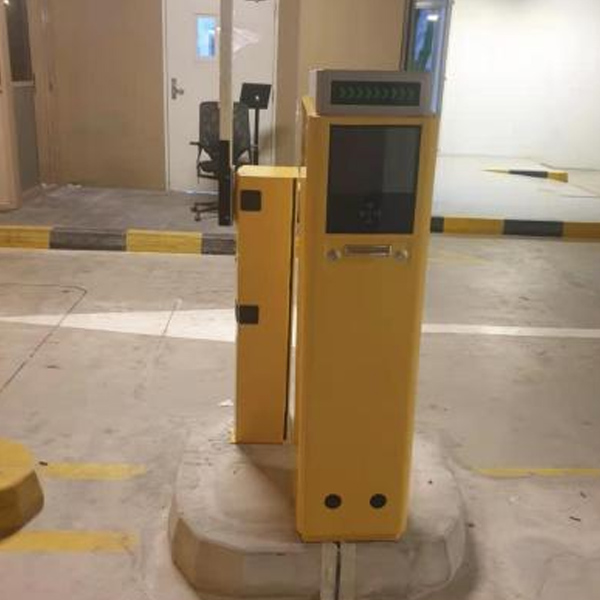
Cambodia

Cambodia

Dubai

Dubai

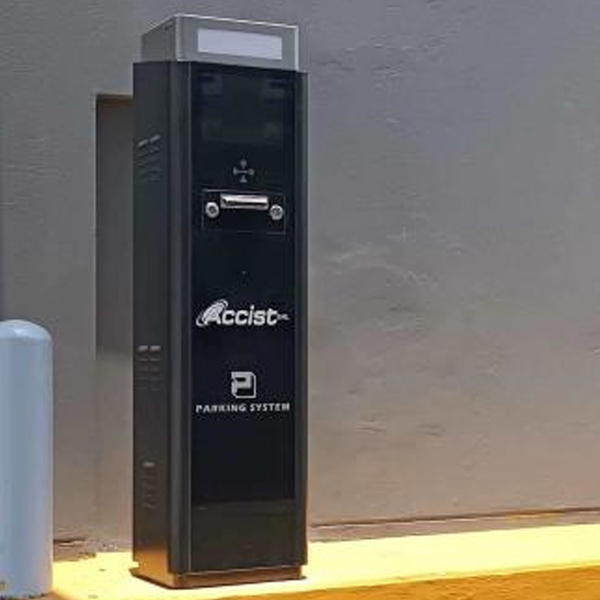
Peru

Peru

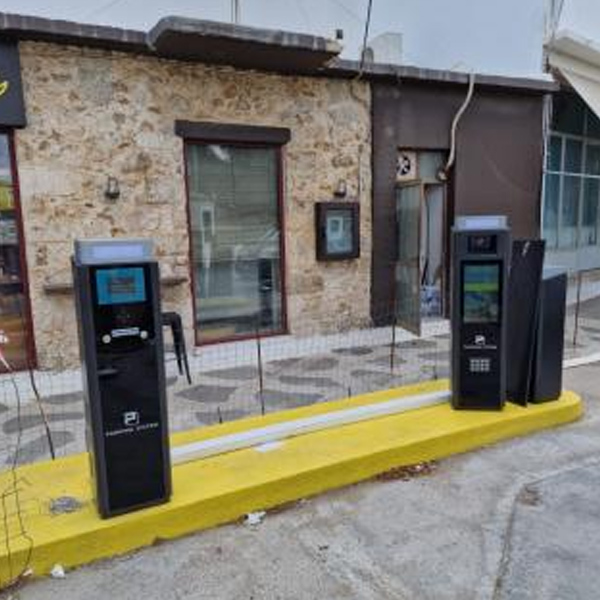
Greece

Greece

RELATED PRODUCT
主图
Ticket Parking System - Tiger-TP710X
Main01
Ticket Parking System - Tiger-TP710E
Main01
RFID Card Parking System - TGW-VS01
Main01
Barrier Boom - PARK-401DS

CONSULT AND FIND PROBLEMS

Shenzhen TigerWong Technology Co., Ltd Our is a leading global provider of intelligent parking management systems and access control system solutions, focusing on ALPR/ANPR parking systems, parking management system,pedestrain turnstiles and face recognition systems.

Leave a message